


Description
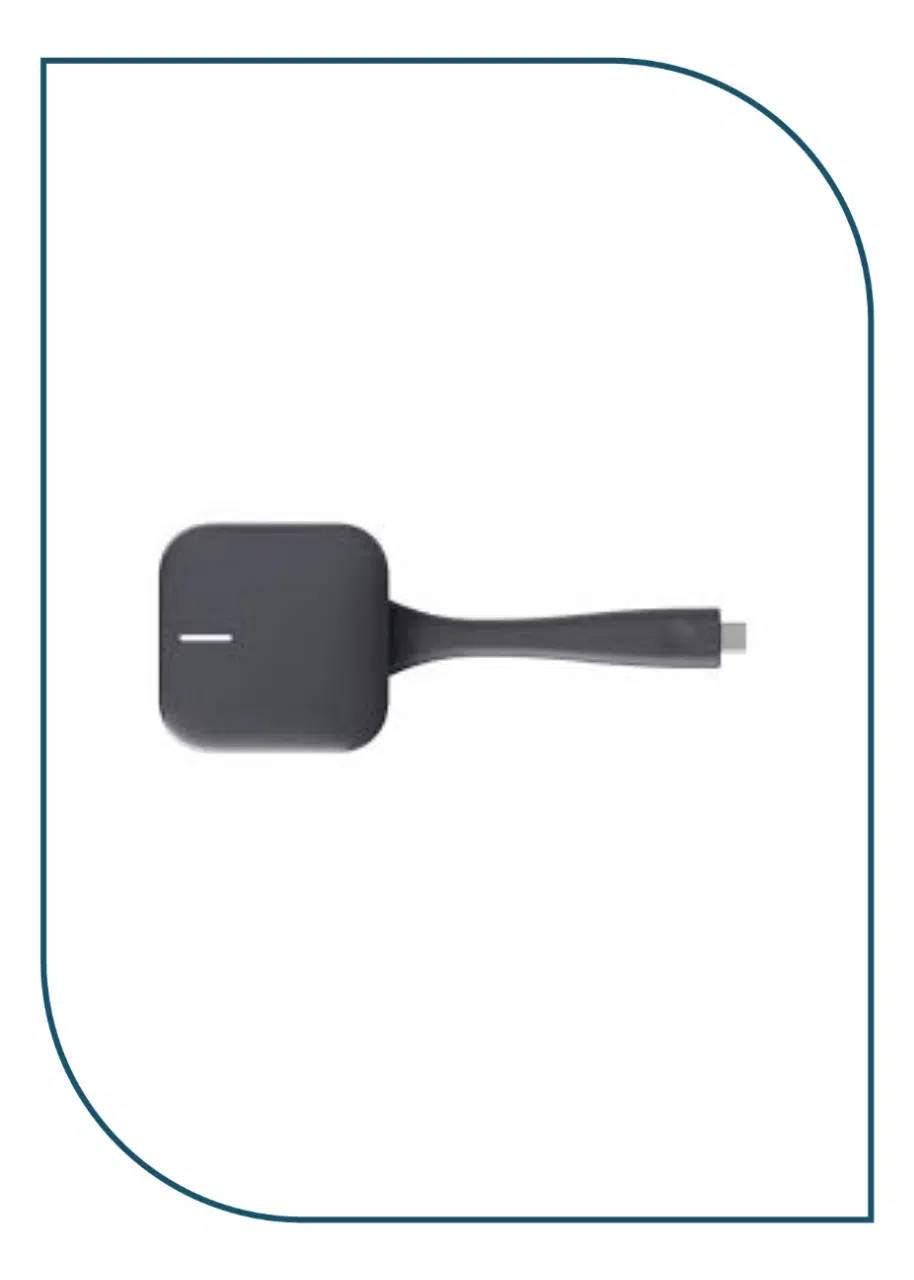
The Huawei IdeaShare Key (Type-C) is a wireless projection device designed to facilitate seamless content sharing across various platforms.
specifications:
-
The IdeaShare Key (Type-C) is used with a supported endpoint, such as a computer or mobile device, for projection.
IdeaShare Key (Type-C)
- Type-C Connector
Connects the IdeaShare Key to an endpoint or computer through the USB Type-C port.
- Button
Starts or stops sharing the computer video and audio with the endpoint.
- LED Indicator
Indicators and statuses of the IdeaShare Key (Type-C)
Indicator
IdeaShare Key Status
Off
Not in the working state.
Blinking white once per second
- Inserted in an endpoint and is pairing or upgrading.
- Inserted in a computer and is connecting to the endpoint.
Steady white
- Inserted in an endpoint and paired or upgraded successfully.
- Inserted in a computer and connected to an endpoint successfully.
- Screen sharing is stopped.
Blinking red once per second
- Inserted in an endpoint but fails to be paired or upgraded.
- Inserted in a computer but fails to be connected to the endpoint.
Steady red
Faulty.
Steady blue
The screen is being shared.لا
Pairing
When you use the IdeaShare Key for the first time, pair it with an endpoint.
If the connection or projection fails, pair the IdeaShare Key with the endpoint again.
- Insert the IdeaShare Key into the corresponding port on the endpoint.
- After the IdeaShare Key indicator is steady on (white), the pairing is complete. Then remove the IdeaShare Key.
Projection
The IdeaShare Key can only be connected to the latest paired endpoint for projection.
Projection from a Computer
The IdeaShare Key allows you to share the screen and audio of a computer with an endpoint.
- Insert the IdeaShare Key into the corresponding port on the computer,
- Type-C Connector